

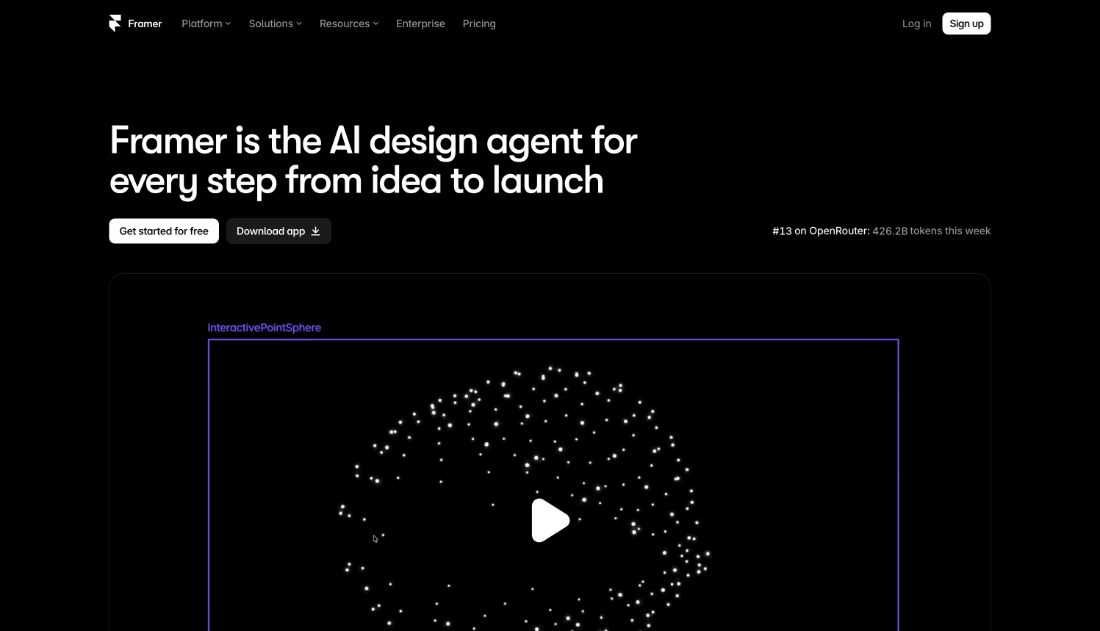
Design and publish marketing sites on one canvas, with AI page generation and CMS.
Framer is a single canvas for designing and publishing marketing sites, with AI page generation, a CMS, effects and hosting included. Design and production are the same artifact, so there is no rebuild step between approving a page and shipping it. Designers who own their company's website tend to consolidate here.
- Design and publish on one canvas
- AI page generation
- CMS and hosting included
- Effects and interactions built in
- No rebuild before shipping
- SEO and analytics built in
Recent X Posts
Check out these 4 super cool websites made in Framer ↓
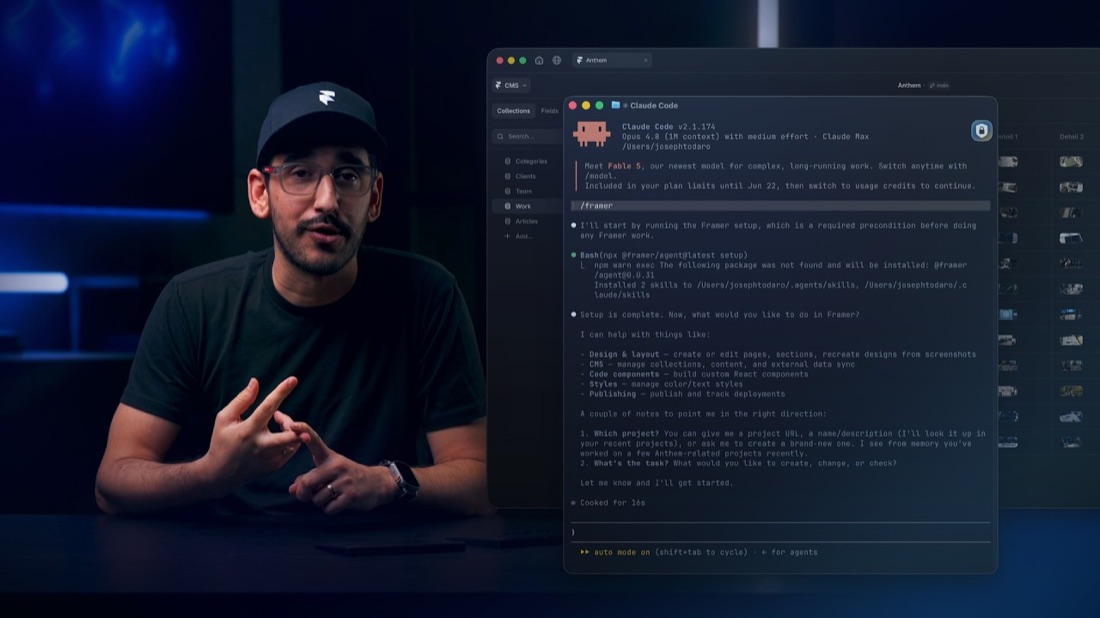
Learn more about Skills framer.com/skills
Get started with a few useful skills you can use in your own Framer projects. In this lesson, you'll learn how they work, what you can do with them, and how to customize them to fit the way you work.
Prompt: # Writing Voice Apply our house writing style to blog posts, guides, and tutorials before they're published. ## When to Use - Use on new or edited blog posts, tutorials, and help articles. - Don't use on website page copy. ## Point of View - Address the reader as "you" when giving instructions. Write "When you publish, check the preview," not "When I publish, I need to check the preview." - Use "I" only for the author's own experience or opinion. - Use "we" only when speaking for the company or team. - Never switch point of view within a paragraph. ## Structure - Get to the point in the first two sentences. No scene-setting openers. - Keep paragraphs to four sentences or fewer. - Write headings in sentence case, and make each heading describe its section. - End with a clear next step, not a recap. ## Punctuation and Formatting - Don't use em dashes. Use a period, comma, or parentheses instead. - Use contractions (you'll, it's, don't). - Use at most one exclamation mark per post. - Bold only UI labels, and write them exactly as they appear in the product. ## Word Choice - Use the same term for the same thing throughout. Don't alternate between "page," "screen," and "view." - Cut minimizing words: simply, just, easily, obviously. - Cut buzzwords: seamless, leverage, unlock, supercharge, dive in. - Explain jargon the first time it appears. - Use descriptive link text. Never "click here." ## Output - Revise the draft directly. - After revising, list each change in one line with the rule that triggered it. - Preserve meaning, facts, SEO keywords, and the author's personality. - Only edit the writing. Do not change or recommend changes to visual design unless explicitly requested.