

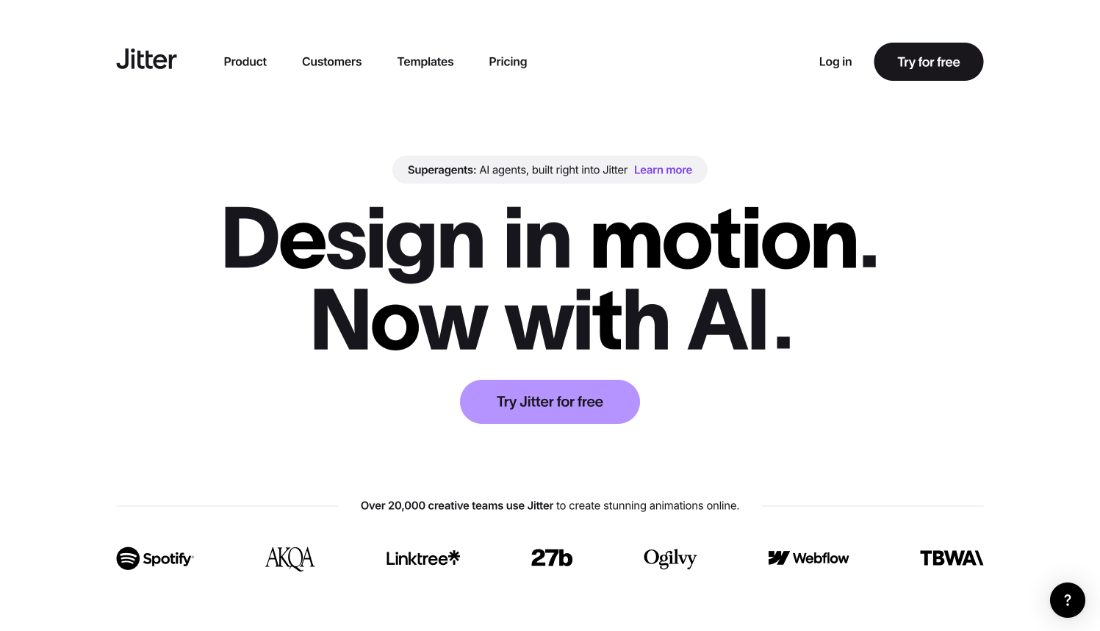
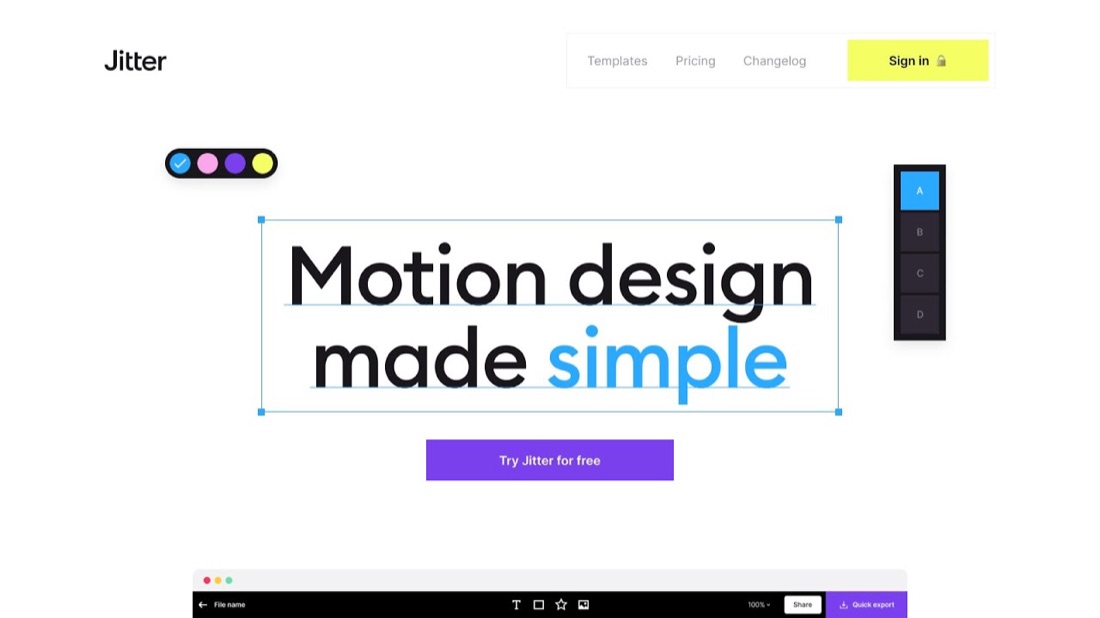
Browser motion design with a Figma-like editor, aimed at social and product clips.
Jitter is browser-based motion design with a familiar frame-and-layer editor, aimed at product clips, social posts and UI animation. Files can come in from Figma, and export covers video and Lottie. It fills the gap between static design tools and full After Effects work.
- Browser-based motion design
- Familiar frame and layer editor
- Import from Figma
- Video and Lottie export
- No After Effects needed
- Template library for social
Recent X Posts
Jitter AI just got an upgrade with Claude Opus 5.5! It’s incredibly good at motion — and you can tweak everything on an infinite canvas to make your videos truly on-brand. Out now 👇
Found a template that’s almost right? Make it yours with Jitter AI ✨ Swap images, adapt the layout, update the text, and change the colors—all while keeping the original animation. Less repetitive work. More time to create. #Jitter #MotionDesign #DesignTools
4 more Jitter features you might have missed 👀 Transparent exports, hidden actions, boomerang GIFs, and a faster way to select animations. Small features, big workflow upgrades. Which one did you already know about?
Sometimes the most impressive effects are the easiest to make. This one only takes a few seconds to build, but it looks like something much more complex.