

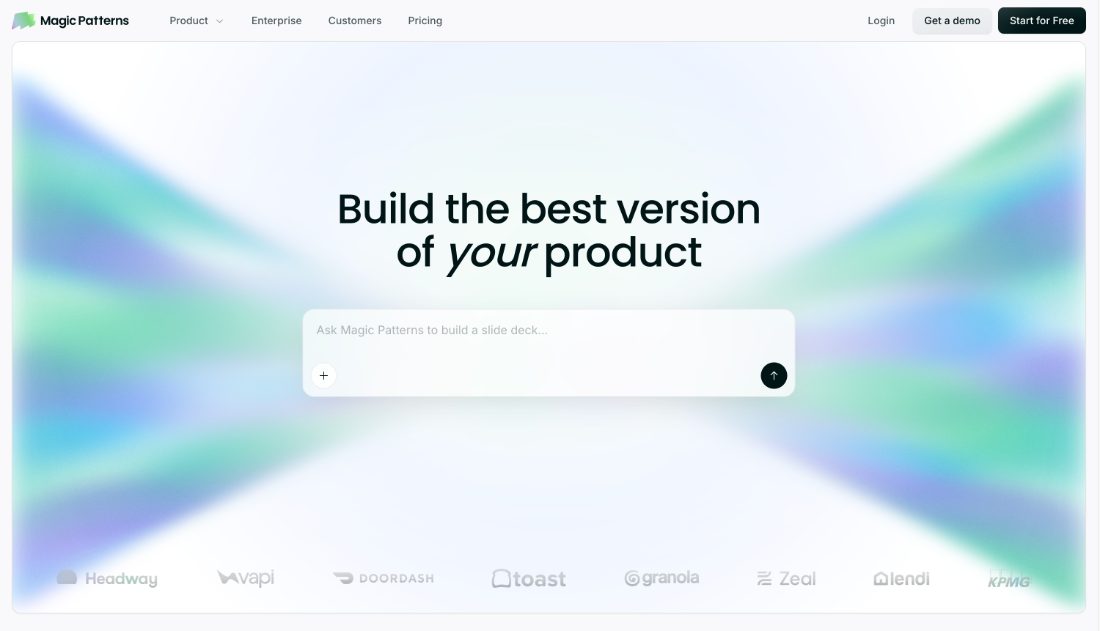

Prompt to product UI, then iterate on it as components you can hand to engineering.
Magic Patterns turns a prompt into product UI and then keeps it editable as components, with a visual editor over the generated code. Projects can be pointed at an existing design system or codebase so output resembles what the team already ships. Handoff is the emphasis: what comes out is meant to survive contact with engineering.
- Prompt to editable product UI
- Visual editor over generated code
- Point at your design system
- Component output for engineering
- Iterate without regenerating
- Share previews with the team
Recent X Posts
Last round of design icks - which ones did you resonate with?
Celebrating ALL designers! x.com/alexdanilowicz…
Tip: You can transfer ownership of any design in Magic Patterns. Just add the new owner to the design, then click “Transfer ownership.”
How does a fast-moving fintech actually leverage AI design tools? This Thursday, Roberto (Roe) Mendoza, Founding Product and Growth Lead at Kordis, walks through his team’s product development workflow. Oct 1 · 10am PT / 1pm ET luma.com/event/evt-WD0p… Can’t make it live? Register and we’ll send you the recording.