

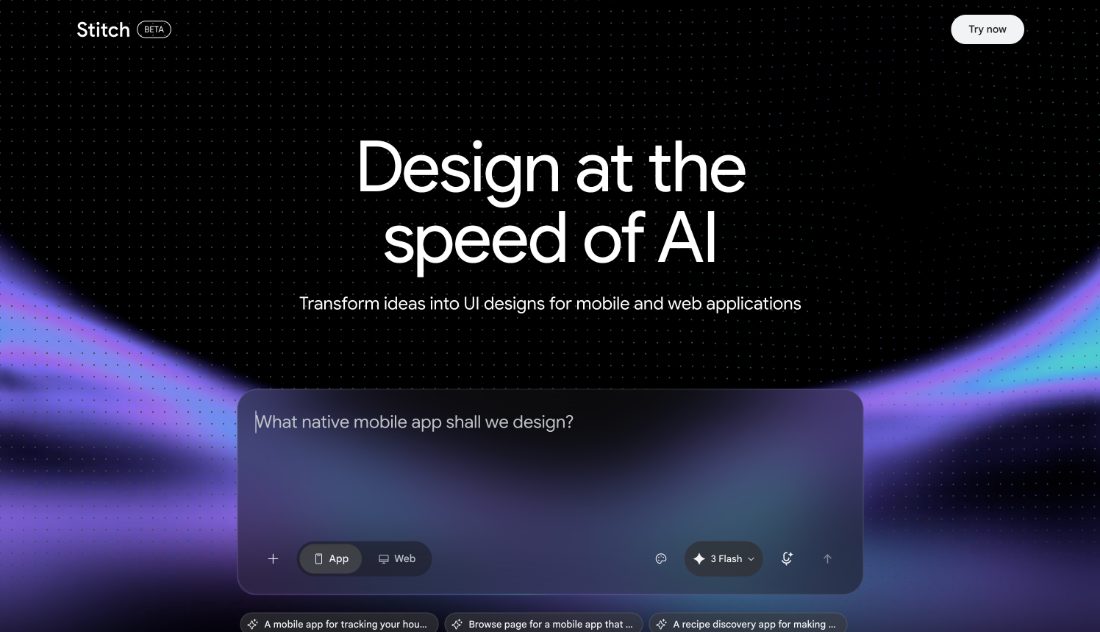
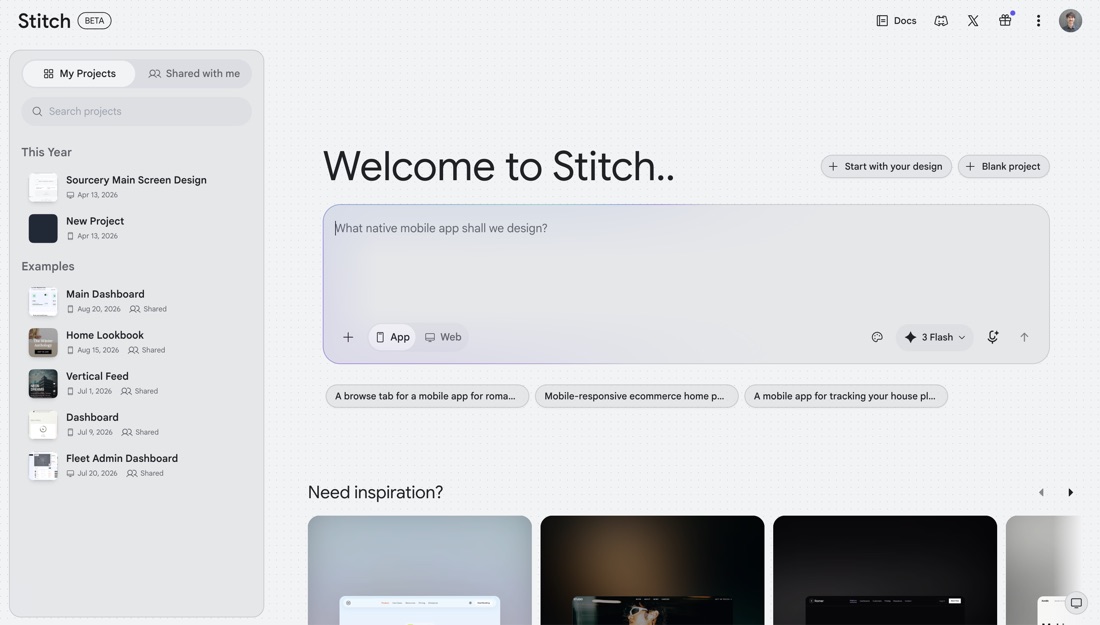
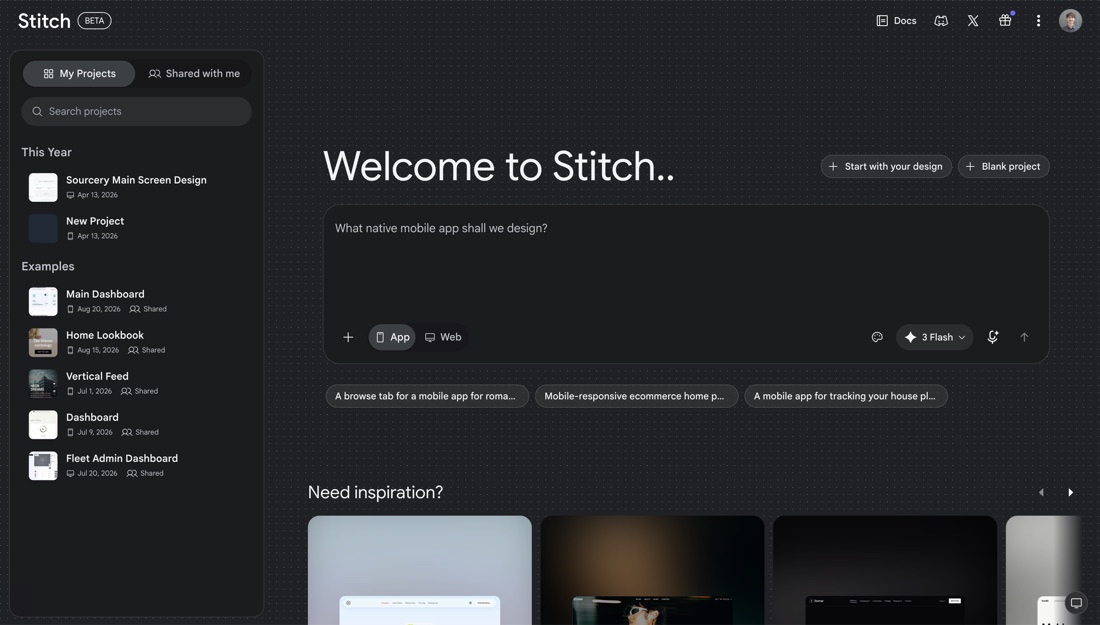
Google's prompt-to-interface tool: describe a screen, get UI and front-end code to take further.
Stitch is Google's prompt-to-interface tool: describe a screen or paste a reference and it produces UI along with front-end code. Output can be iterated in conversation, exported to code, or pasted into Figma to finish by hand. It is built for the earliest part of the work, where the question is what the screen might be rather than what it should ship as.
- Prompt or reference to UI
- Front-end code included
- Iterate in conversation
- Paste into Figma to finish
- Free to use
- Mobile and web layouts
Recent X Posts
Check out the CLI at goo.gle/stitch-cli And in case you’re up for a bit of an adventure… A few months ago, we built an internal agentic workflow we all got excited about. Agents watch our codebases, logs, analytics, and user feedback 24/7, and autonomously surface insights and solutions to help us improve our own work. We’re making it available for you to try today with the `stitch loop` command from the CLI.
We have a Stitch MCP. We have a Stitch SDK. But, we don't have a Stitch CLI. Well, not until now. Introducing the @google/stitch CLI: 🔷 Connect to your local coding agents 🔷 Generate screens and design systems 🔷 Send a local dev server snapshot to Stitch Do it all without leaving the terminal or better yet, ask your favorite harness like @antigravity 😎 Learn more 👇
Your brand assets, brought to life. ⚡️🖼️ Gemini 3.8 Flash excels at understanding visual context. Just drag your brand kit and product shots straight onto the Stitch prompt: ✨ Automatically extracts design systems and styling ✨ Generates cohesive layouts around your brand rules ✨ Seamlessly weaves your product imagery into marketing & product pages Check out the workflow in the video below! 👇
Spreadsheets are great for storing numbers. They’re terrible for showing them off. 📈👀 Lately, the Stitch community has been using their design partner to turn raw data dumps into sleek, production-ready dashboards: 🔹 Paste in CSVs, analytics exports, or workout logs 🔹 Ask Stitch for a specific vibe, layout, or design system 🔹 Instantly explore high-fidelity charts, stat callouts, and clean data hierarchies 🤖 Automation Hack: Pair Gemini Spark or Antigravity with the Stitch MCP Server. You can automate your daily tracking so a fresh, tailored dashboard is generated before your first cup of coffee. Check out the demo to see how we turn raw data into eye candy! 🔊👇