

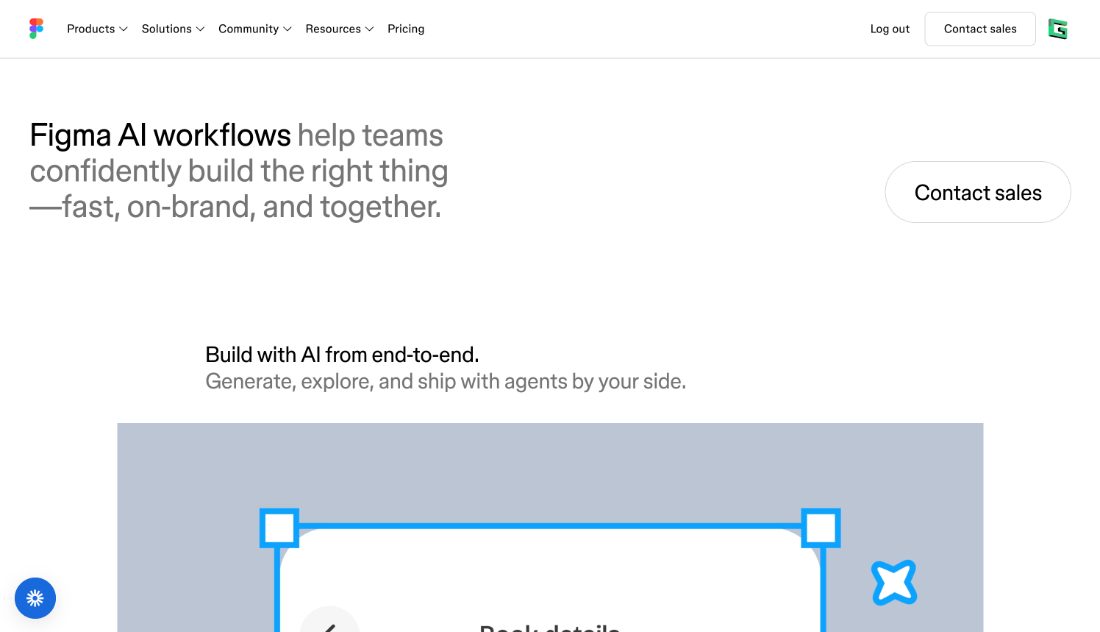
AI features inside the tool most teams already use: first drafts, search by image, copy and renaming.
Figma's AI features sit inside the file most teams already work in: first drafts from a prompt, search by image or description, copy generation, automatic renaming and background removal. Nothing changes about where the work lives, which is the main argument for using them. Coverage is broad rather than deep, aimed at removing small tasks from the day.
- First drafts from a prompt
- Search by image or description
- Copy generation and rewriting
- Automatic layer renaming
- Works inside existing files
- Available on existing plans
Recent X Posts
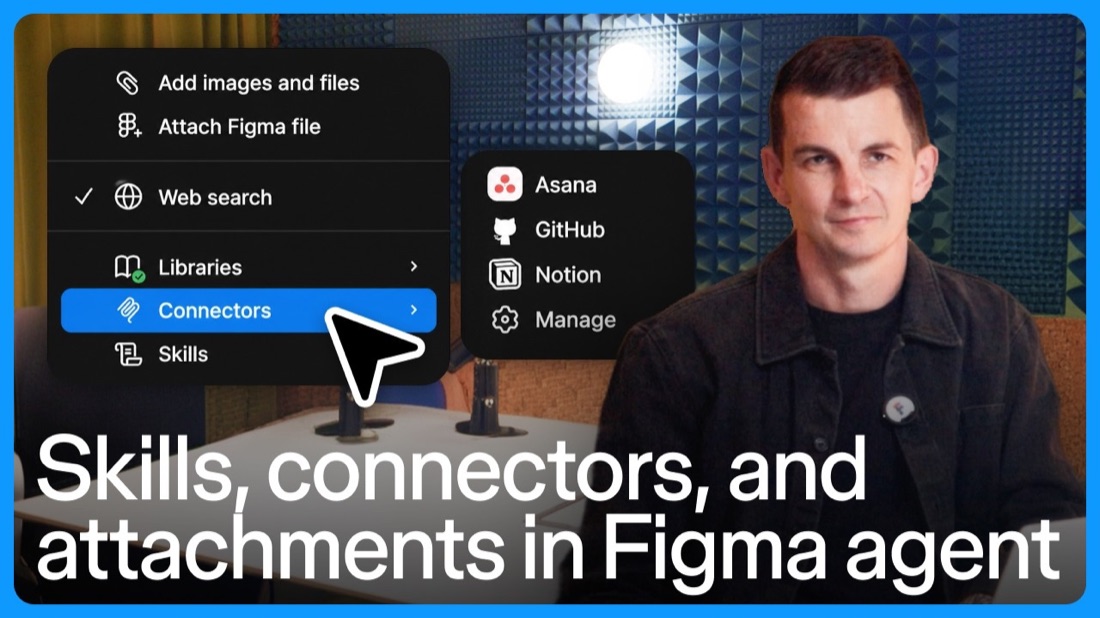
Once you've found it, simple as that Hand it to the Figma agent in the chat
Roses are red Violets are blue There’s a cheat code for free AI credits waiting for you If you've played the Sims, you'll know this by heart Look in our bio as a start
A few ways to use Figma agent to bring better context across files Ask the agent to → Add content from multiple design files → Read stickies or text from FigJam files to annotate design files → Find and add images from Figma Slides presentations to add effects
Today, the Figma agent moves out of beta with a number of improvements, including output quality. The new agent is better at following instructions and handling longer-running tasks. It wins in ~60%+ of our human-graded evals with professional designers. x.com/i/article/2107…