

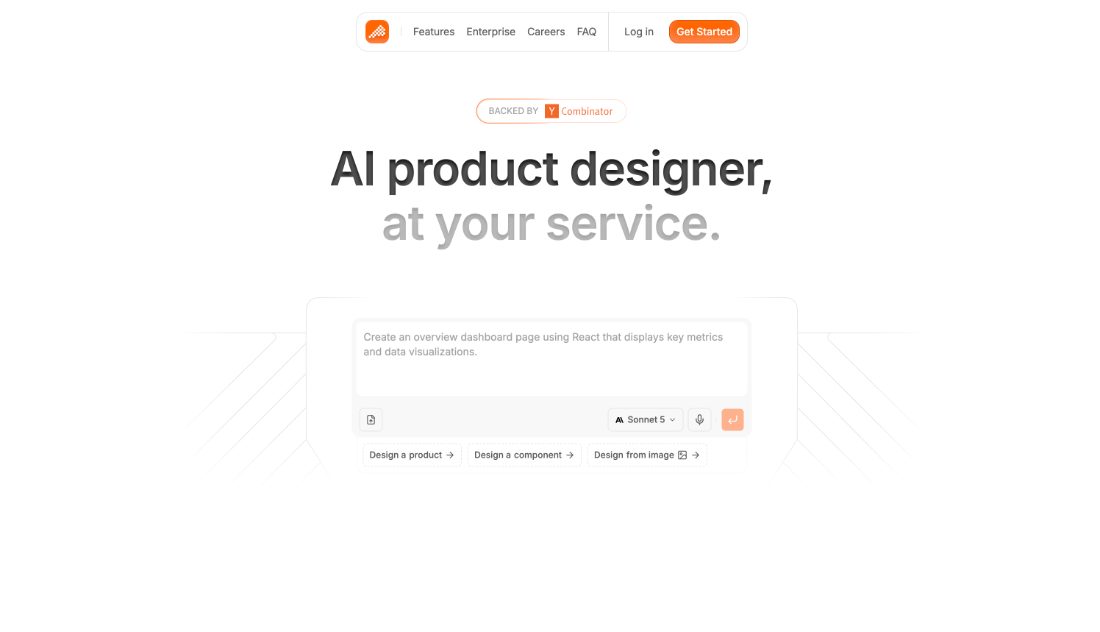
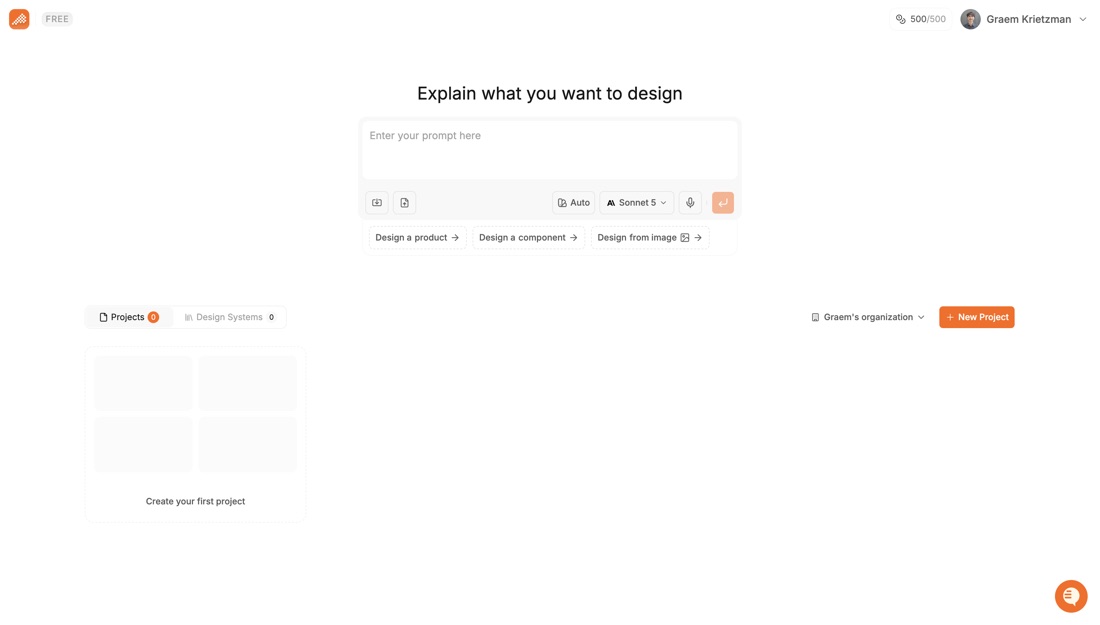
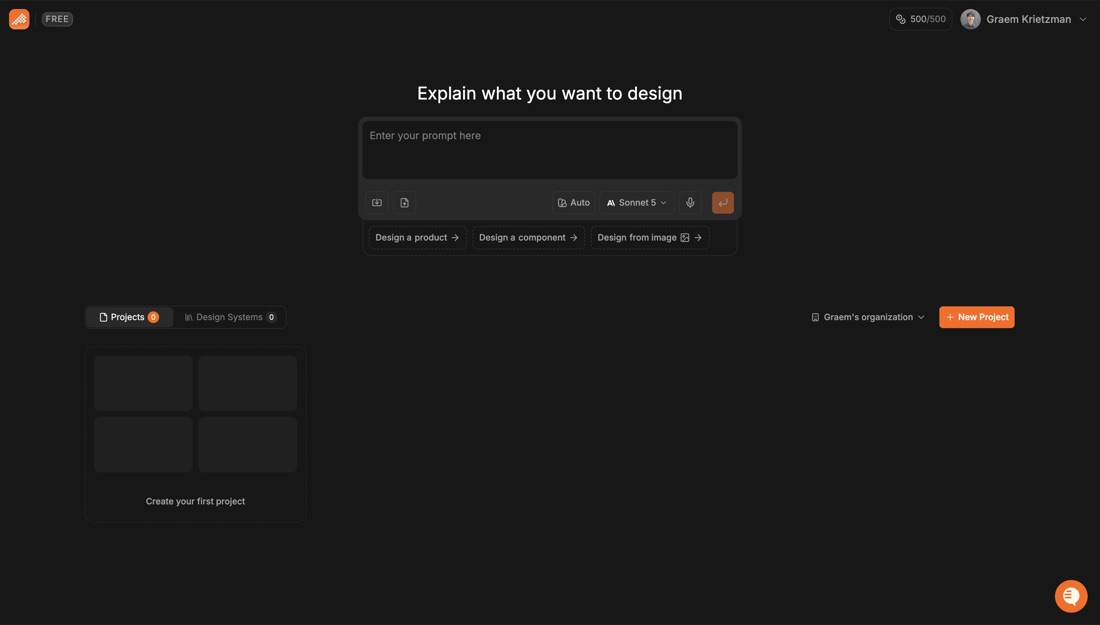
Generates product screens from a prompt and hands over the component code.
Polymet generates product screens from a prompt and hands back the component code behind them, with flows kept together rather than produced one screen at a time. Design system settings constrain the output so screens stay consistent across a project. It is aimed at small teams shipping product without dedicated design support.
- Screens generated from a prompt
- Component code handed back
- Flows produced together
- Design system constraints
- Built for small product teams
- Export to React or Figma
Recent X Posts
Read the full changelog: docs.polymet.ai/changelog/over…
Onboarding that knows what you do! → A new onboarding - four quick steps, and each role gets one that looks like its own work → React 19 and Tailwind 4 - your project runs the exact versions in your package.json → What's new and support in one corner - a bell for updates, a question mark for support chat → Product tour, any time - seven short sections, open it from your profile menu More below 👇
Welcome to the Polymet Verse! We turned onboarding into a character select screen. Eight roles, eight ways to build, one place to do it. Which one are you?
Read the full changelog: docs.polymet.ai/changelog/over…