

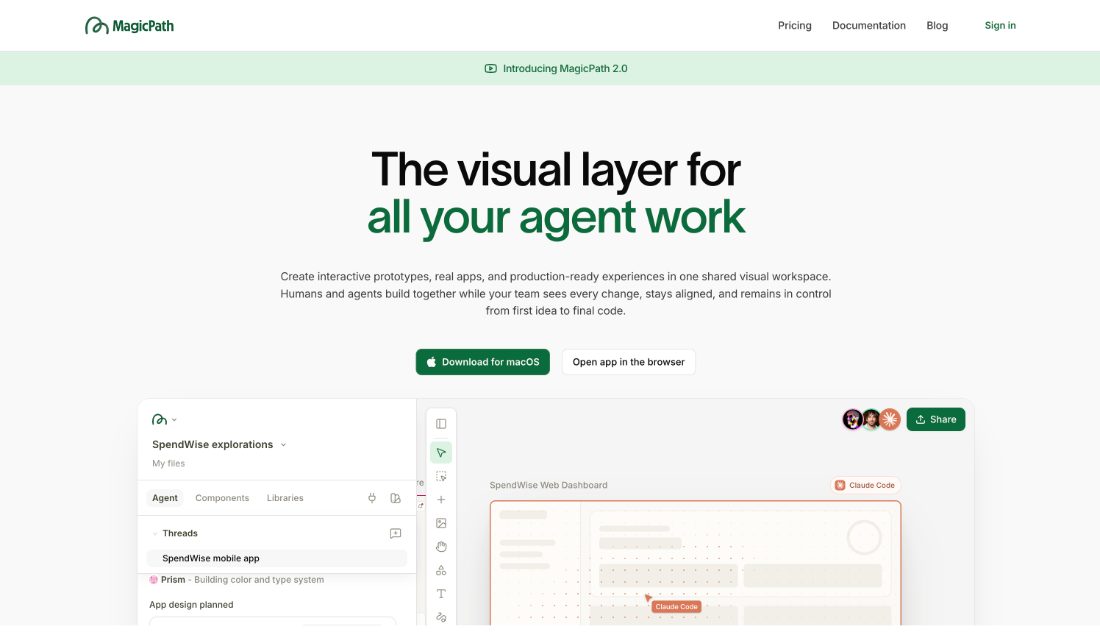
Infinite canvas where prompts produce editable UI you can branch and rearrange.
MagicPath is an infinite canvas where prompts produce editable UI, and any result can be branched to explore an alternative without losing the original. Variants sit side by side on the canvas, which makes comparison the default rather than an extra step. It is built for the exploratory phase, where volume of directions matters more than polish.
- Infinite canvas of generated UI
- Branch any result to explore
- Variants compared side by side
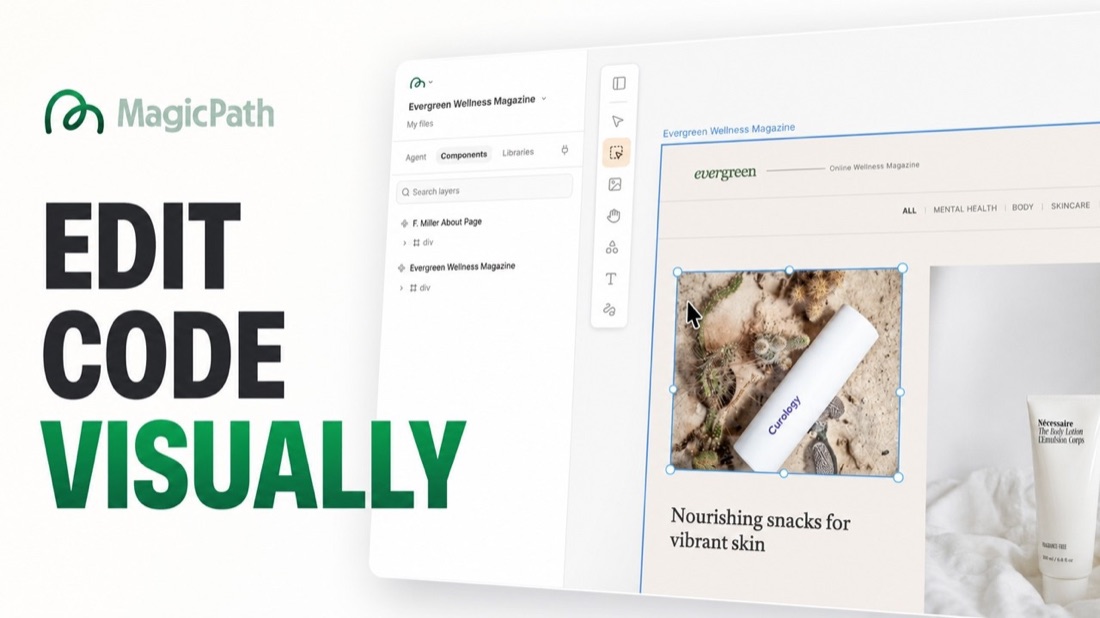
- Editable output, not images
- Built for early exploration
- Export the code behind a result
Recent X Posts
We are happy to inspire a new generation of builders! x.com/coreyching/sta…
Download the all new plugin here chatgpt.com/plugins/plugin…
MagicPath app now lives inside ChatGPT, app and web. We believe this experience is one of the best ways to design and build with OpenAI models and we can't wait to hear your thoughts! x.com/skirano/status…
GPT-6 Sol and Claude Opus 5.5 are now both available in our model selector. They all have their unique strengths, go try them out and have fun!